Web Portal
While Julia works great through chat, sometimes you need a visual interface to browse, edit, and organize your data. The Web Portal is a full-featured companion app where you can manage your tasks, contacts, memory, scheduled jobs, email watches, knowledge store, calendar, and settings — all from your browser.
How to Access the Portal
Simply ask Julia for a portal link, and she'll generate a secure, one-time magic link that logs you in automatically — no password needed. The link is valid for 1 hour.
Julia
Online
Open my portal
Here's your secure portal link: 🔗 https://portal.julia.ai/auth/abc123 This link is valid for 1 hour. You can manage your tasks, contacts, memory, and calendar from there.
Julia
Online
I want to manage my contacts online
Here's your portal link, opening directly to contacts: 🔗 https://portal.julia.ai/auth/abc123?redirect=/contacts Link valid for 1 hour.
Contextual Links
Julia is smart about portal links — when you ask about tasks, she'll link directly to the tasks page; ask about contacts, and you'll land on contacts. You can also ask for the portal generically to land on the dashboard.
Dashboard
The dashboard gives you a quick overview of your data at a glance — open tasks, total contacts, stored memories — along with quick action cards to jump into any section.
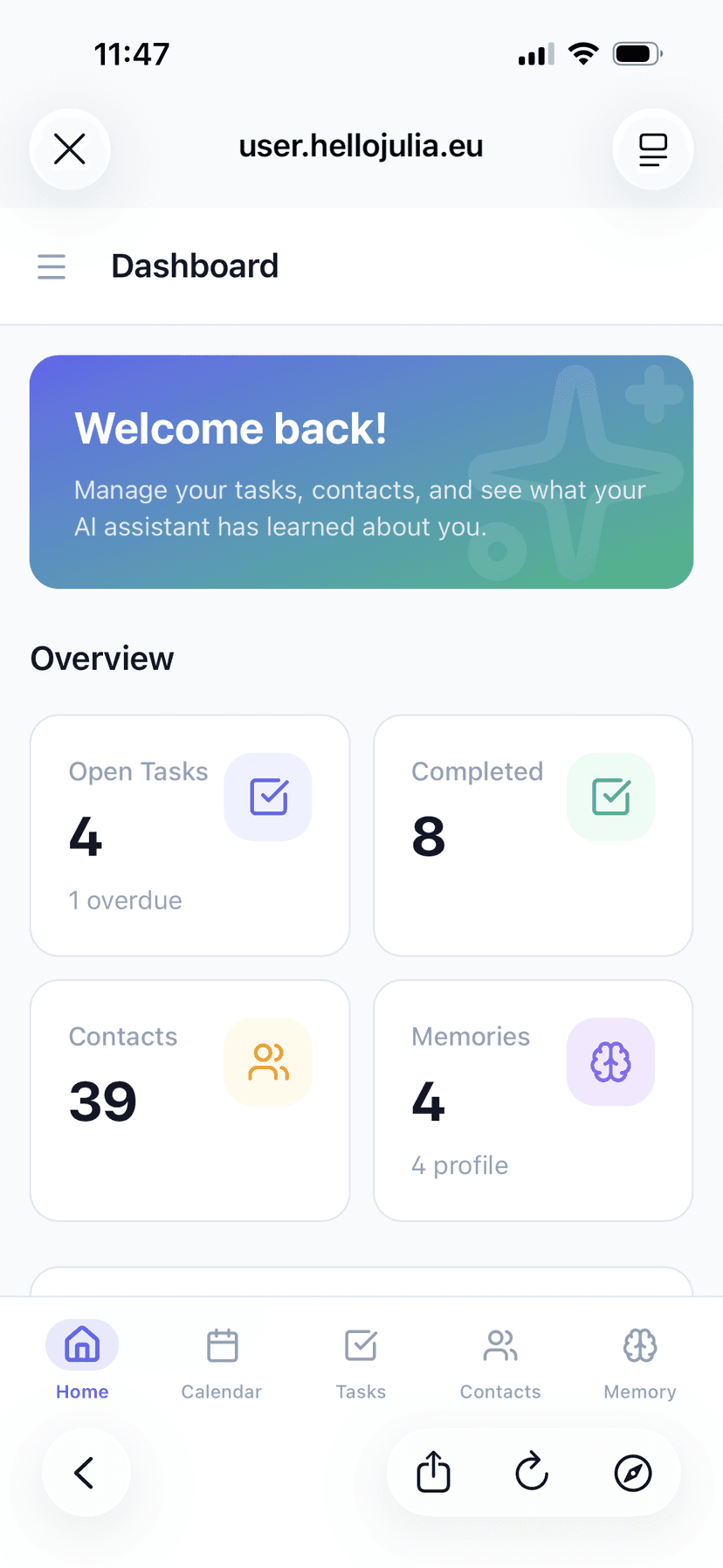
Portal Dashboard — overview of tasks, contacts, and memories
Tasks
View all your tasks with status filters (open, completed, all), create new ones with due dates and reminders, edit existing tasks, toggle completion, and delete tasks you no longer need. Overdue tasks are highlighted so nothing slips through.
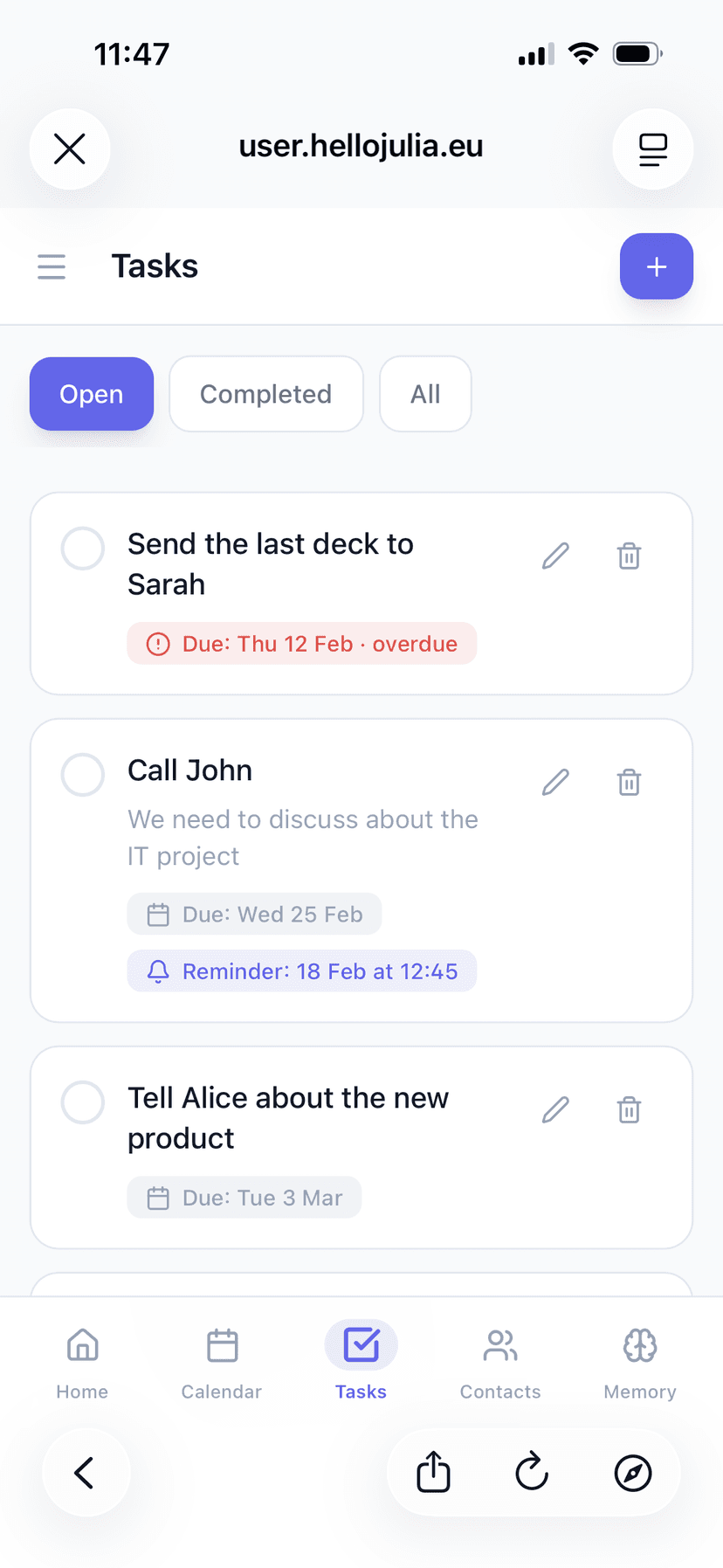
Portal Tasks — manage, filter, and create tasks
Contacts
Browse, search, and manage your entire contact database. Filter by source (local, Google, Microsoft) or email domain, sort by relevance, name, company, or last interaction, and paginate through large lists.
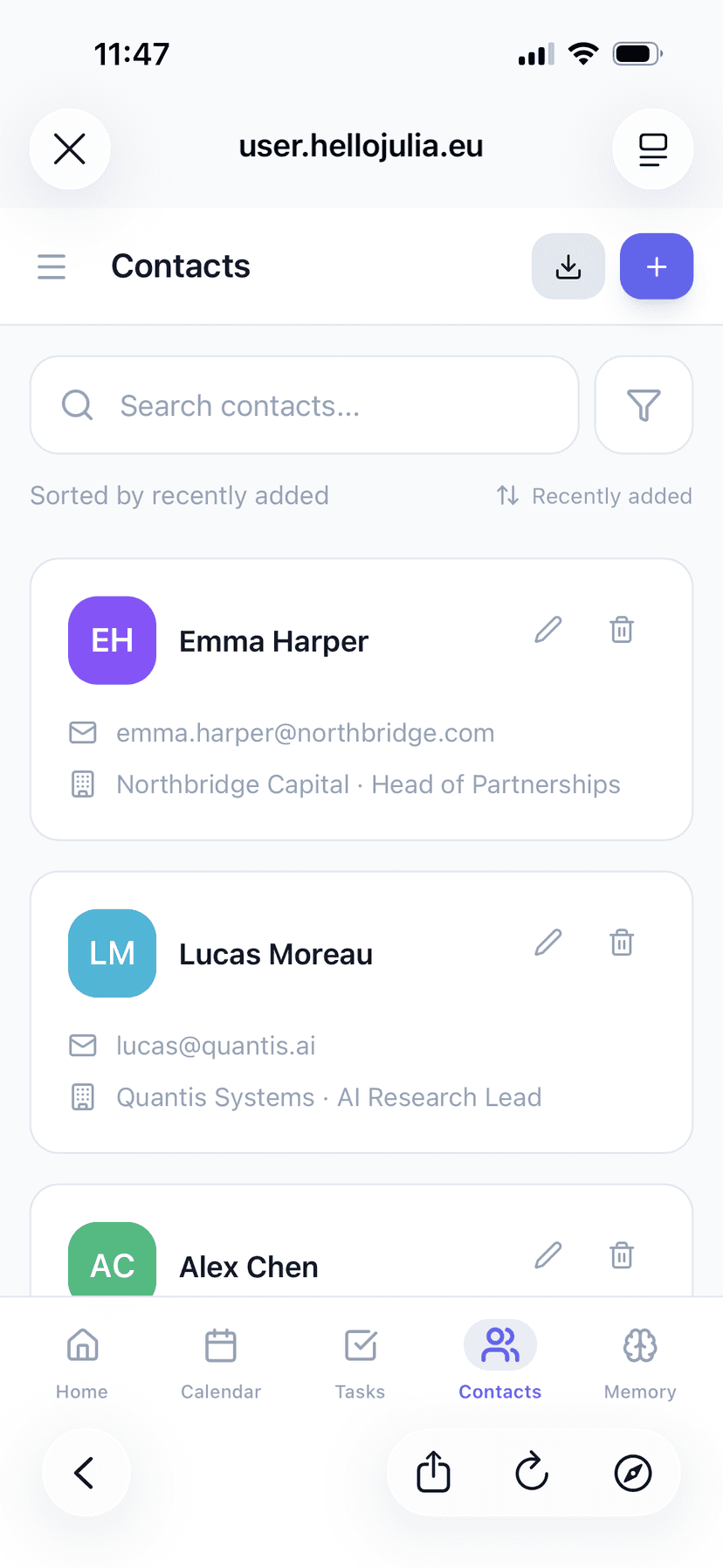
Portal Contacts — search, sort, and manage your contacts
Import Contacts
The portal includes a powerful contact import wizard that lets you bring in contacts from your connected Google or Microsoft accounts:
- Choose which account to import from
- Filter by contact groups or lists
- Exclude contacts by email domain
- Edit names before importing
- Already-imported contacts are detected automatically
Memory
Explore everything Julia knows about you. The memory section has two tabs:
Profile Memory
A hierarchical tree view of your structured profile data (name, timezone, preferences, work info, etc.). You can edit or delete individual fields directly.
Episodic Memory
A searchable list of all conversation memories Julia has stored. Search by keyword, review what she's learned, and delete any memories you'd like her to forget.
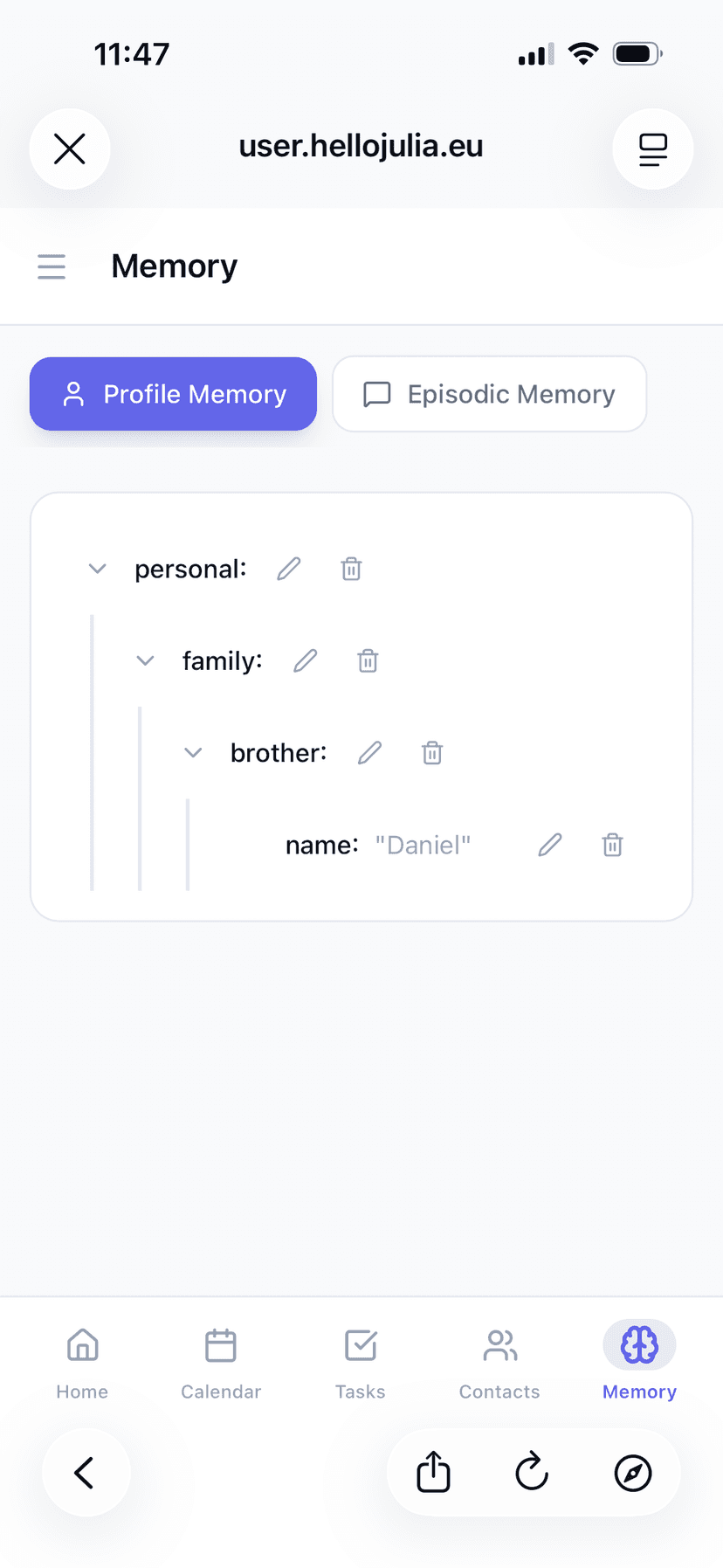
Portal Memory — browse and manage what Julia knows about you
Scheduled Jobs & Email Watches
The portal also lets you manage your automated workflows:
Scheduled Jobs
View all your recurring jobs with their schedule, status, and last run result. Pause, resume, or cancel jobs directly from the portal.
Email Watches
See your active email watches, their filters, and match history. Pause or delete watches you no longer need.
Calendar
View events from all your connected calendars (Google, Microsoft, Apple iCloud, ICS subscriptions) in a unified calendar view. Switch between day, week, month grid, and month agenda views. Each calendar is color-coded, and you can show/hide individual calendars with filters.
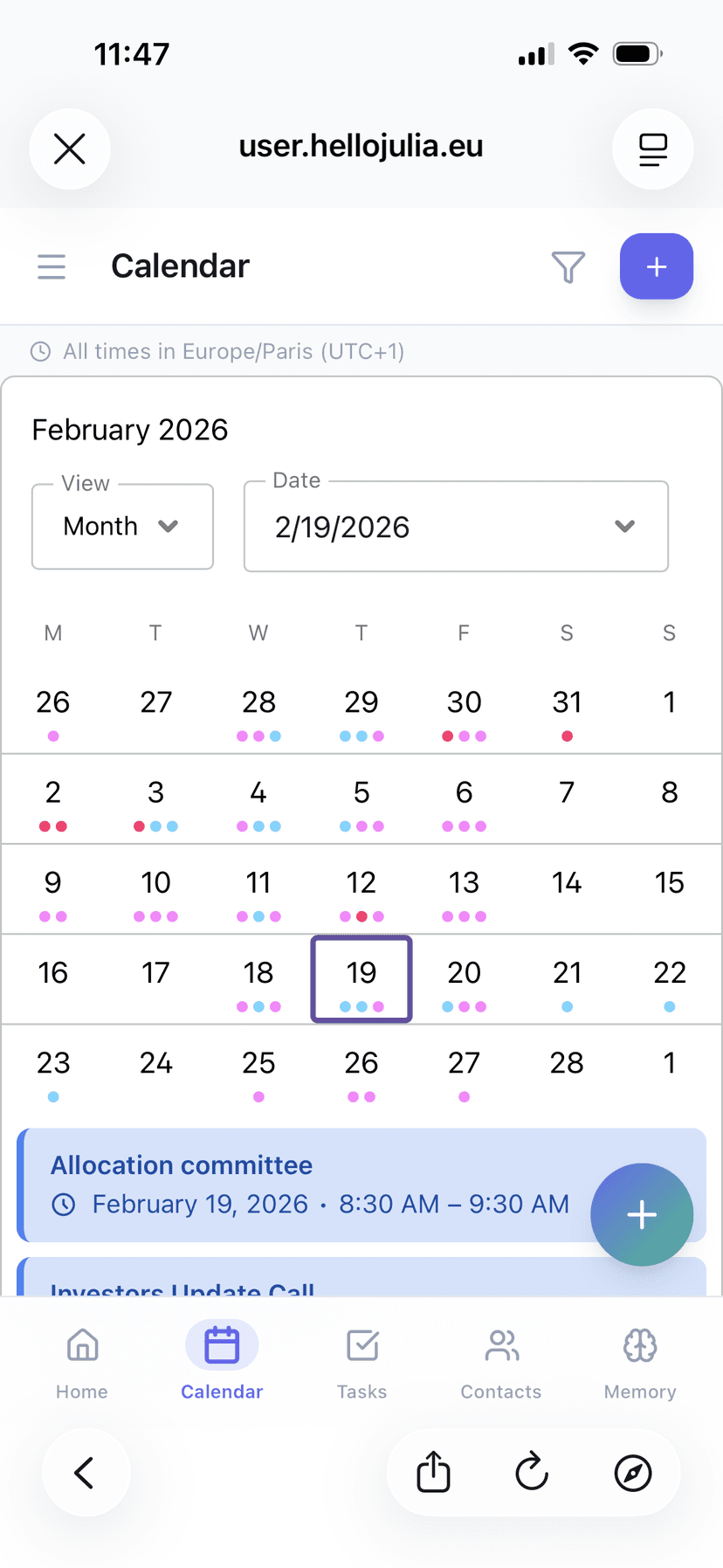
Portal Calendar — unified view of all connected calendars
Settings
The settings page lets you manage your profile, connected channels, and notification preferences:
Profile
Update your name, email, locale, and timezone.
Connected Channels
See your linked Telegram and WhatsApp channels with their preferred locale settings.
Notification Preferences
Toggle task reminders on/off and choose your preferred notification channel.
Scheduled Notifications
Configure daily and weekly summaries — tasks due tomorrow, morning briefing, and weekly agenda — including the time and day they're sent.
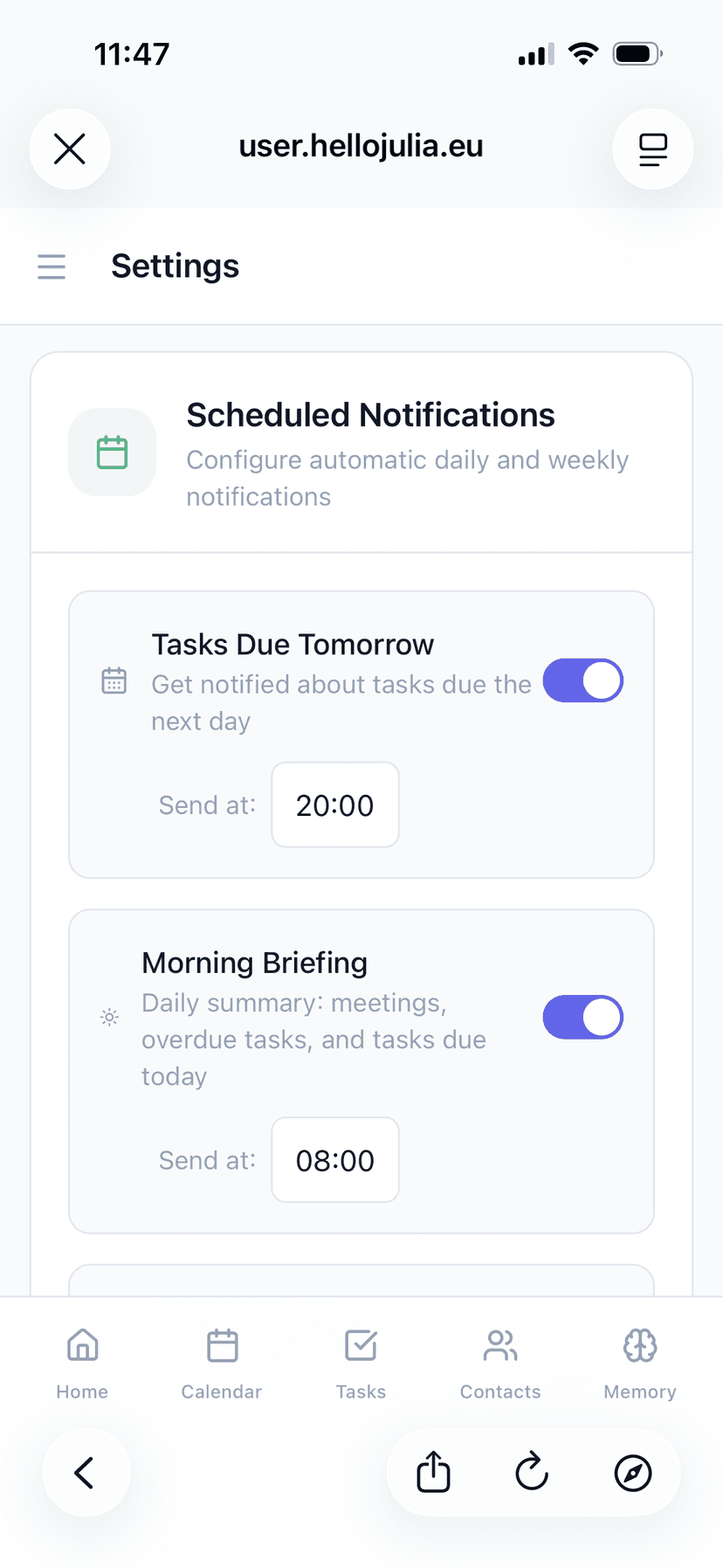
Portal Settings — profile, channels, and notification preferences
Secure by Design
The portal uses magic link authentication — no passwords to remember or manage. Each link is single-use and expires after 1 hour. Your session lasts 7 days, and you can request a new link anytime by asking Julia. All data is transmitted over HTTPS and scoped to your account.